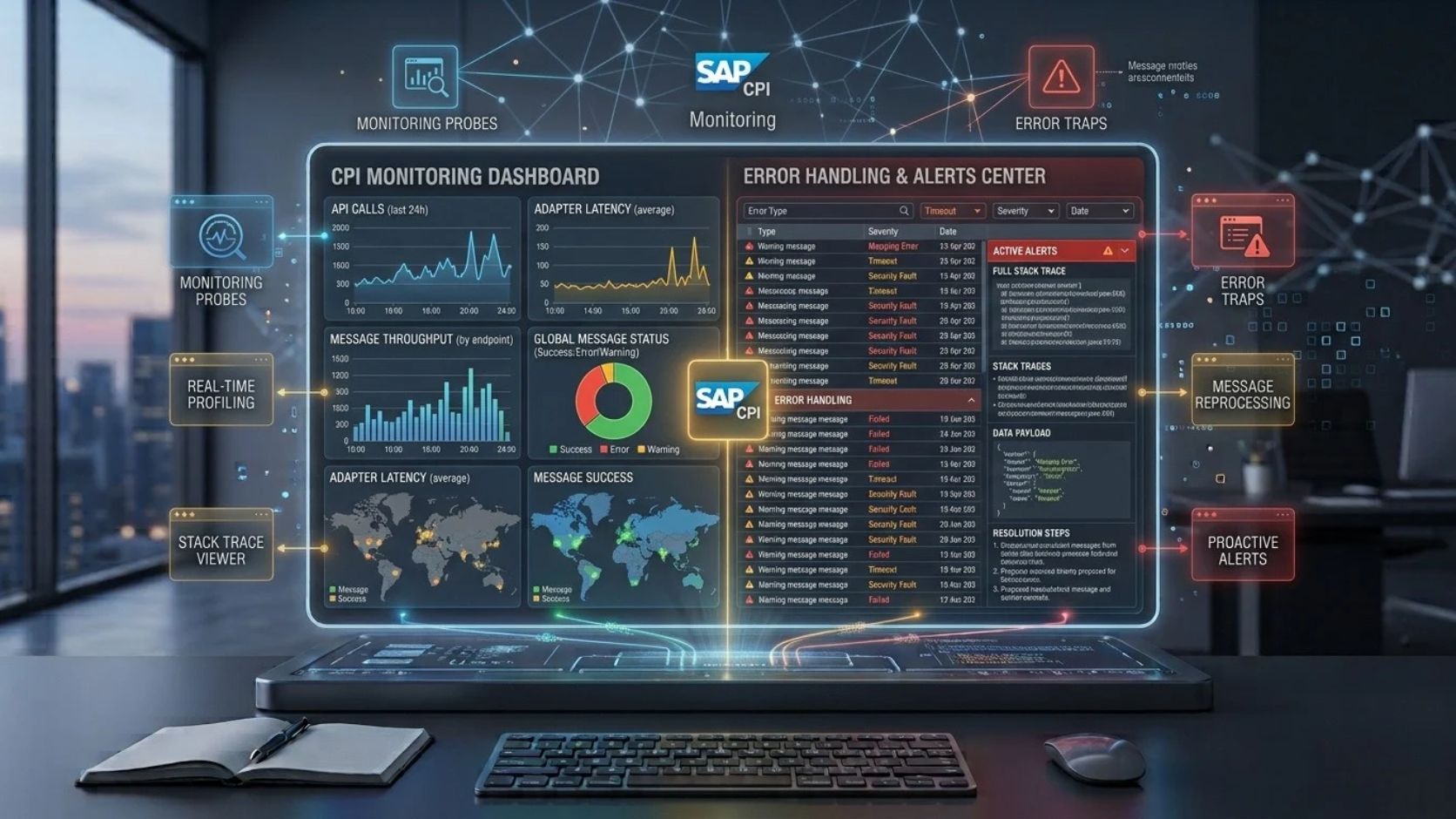
SAP Cloud Platform Integration, now part of SAP Integration Suite, provides cloud-based capabilities for connecting SAP and non-SAP applications. As integration landscapes grow, monitoring and error handling become essential for maintaining reliable message processing.
SAP Cloud Integration allows integration teams to monitor message exchanges, identify failed processing steps, analyze errors, and take corrective action. It supports integration scenarios involving SAP S/4HANA, SAP SuccessFactors, SAP Ariba, Salesforce, databases, APIs, file servers, and other enterprise applications.
A reliable monitoring strategy also depends on proper configuration of integration flows, security, adapters, message processing, and connection settings. Destinations can be used in relevant SAP environments to manage connection information for applications and services.
What Is SAP Cloud Platform Integration Monitoring?
SAP Cloud Platform Integration monitoring is the process of observing integration flows, messages, processing status, errors, and runtime behavior.
An integration flow can process thousands of messages depending on the workload and business scenario. Each message can pass through multiple processing steps before reaching the receiver.
Monitoring helps determine whether a message was successfully processed or failed during execution.
For example, an integration flow connecting S/4HANA with Salesforce may perform these steps:
S/4HANA → Cloud Integration → Message Transformation → Salesforce
If Salesforce rejects the message because of an invalid field, monitoring can help identify the failed message and provide information about the processing error.
Why Monitoring Is Important in Cloud Integration
Enterprise integrations often support business processes that require accurate and timely data exchange. A failure in an integration flow can affect orders, invoices, customer records, inventory data, employee information, or financial transactions.
Monitoring provides visibility into the runtime behavior of integration flows.
It can help integration teams identify:
- Failed messages
- Processing errors
- Authentication failures
- Connectivity problems
- Mapping issues
- Invalid payloads
- Receiver-system errors
- Timeout conditions
Monitoring is therefore an important part of operating SAP Cloud Integration in production environments.
SAP Cloud Integration Message Monitoring
Message monitoring provides information about messages processed by integration flows.
Depending on the available monitoring functions and configuration, users can inspect message processing status and investigate failed executions.
A message can have a successful or failed processing state. A failed message indicates that processing did not complete as expected.
The monitoring information can help identify the integration flow involved, processing time, message status, and available error details.
For troubleshooting, the first step is usually to identify the failed message and determine where processing stopped.
Understanding Integration Flow Errors
Errors can occur at different stages of an integration process.
An error may occur when the sender system cannot communicate with Cloud Integration. It can also happen during transformation, routing, authentication, or communication with the receiver.
For example, an HTTP-based integration can fail because the target endpoint returns an HTTP error response.
Common HTTP status codes include:
400 Bad Request: The request contains invalid or unacceptable information.
401 Unauthorized: Authentication credentials are missing or invalid.
403 Forbidden: The authenticated user or client does not have sufficient permission.
404 Not Found: The requested resource or endpoint cannot be found.
500 Internal Server Error: The receiving application encountered an internal error.
The exact cause must be evaluated using the message processing details and the target application’s response.
Common Causes of SAP Cloud Integration Errors
Integration errors generally originate from configuration, connectivity, authentication, data, mapping, or application behavior.
A connection error may occur when a target system is unavailable or when the endpoint is incorrect. Authentication errors can occur when credentials, certificates, OAuth configuration, or authorization settings are invalid.
Data errors can happen when a required field is missing or when the payload does not match the expected structure.
Mapping errors occur when source and target data structures are incompatible or when a transformation expression cannot process the supplied value.
Application errors occur when the receiving system accepts the connection but rejects the business data.
Understanding the error category helps reduce troubleshooting time.
Monitoring Integration Flows
Integration flow monitoring helps determine whether the designed processing logic is working as expected.
A typical integration flow may contain a sender adapter, message transformation, content modifier, router, mapping step, and receiver adapter.
If the message fails, monitoring can help identify which stage produced the error.
For example:
Sender → Mapping → Router → Receiver
If the receiver rejects the message, the mapping and routing stages may have completed successfully. This distinction is useful because it narrows the investigation to the receiver communication or target application.
Error Handling with Exception Subprocesses
SAP Cloud Integration supports exception handling through Exception Subprocesses.
An Exception Subprocess can define actions that should occur when an error is raised inside an integration process.
Depending on the design, error handling can include logging information, setting message properties, creating an error response, or routing the message to an appropriate processing path.
A well-designed exception process should provide enough information to identify the problem without exposing sensitive credentials or confidential business data.
Exception handling is especially important for integrations that process financial transactions, customer information, orders, invoices, or other critical business messages.
Retry and Reprocessing Considerations
Not every integration error requires the same recovery method.
A temporary connectivity failure may be suitable for retry logic. A permanent data validation error normally requires correction of the message or source data before processing again.
For example, if a receiver system is temporarily unavailable, retrying the request may succeed after the service becomes available.
If a customer record contains an invalid mandatory field, repeated retries will not resolve the underlying problem.
The error-handling strategy should therefore distinguish between temporary technical failures and permanent business or data errors.
Destinations and Error Troubleshooting
Destinations can contain connection information used by applications and services to communicate with target systems.
When an integration depends on a destination configuration, an incorrect endpoint or authentication setting can cause connection failures.
For example, a destination may contain information such as a target URL, authentication type, and connection properties.
When troubleshooting a destination-related problem, the configuration should be checked against the expected endpoint and authentication requirements.
Incorrect URLs, expired certificates, invalid credentials, missing permissions, and incorrect authentication types can all affect connectivity.
Using centrally managed Destinations where supported can also help separate connection configuration from application or integration logic.
Authentication Errors
Authentication errors are common in enterprise integration environments.
Cloud Integration may need to authenticate against S/4HANA, APIs, third-party applications, or other services.
Authentication can use different mechanisms depending on the connected system. These may include OAuth 2.0, basic authentication, client certificates, or other supported methods.
A 401 response generally indicates an authentication problem, while a 403 response generally indicates that the authenticated identity does not have the required permission.
The troubleshooting process should verify the authentication method, credentials or certificate status, token configuration, and authorization settings.
Authorization and Permission Problems
Successful authentication does not automatically provide access to every resource.
An application may authenticate successfully but still receive a permission error when accessing a specific API or business object.
For example, an S/4HANA API may require specific authorizations. A third-party application may also restrict access to particular resources.
Authorization problems should therefore be checked separately from authentication problems.
The required permissions depend on the application, API, user, service account, and security architecture.
Mapping Errors and Data Validation
Mapping is a common processing stage in Cloud Integration.
A source system and target system may use different field names, data types, formats, and structures.
For example:
Source: CustomerID
Target: CustomerNumber
The integration flow must map the source value to the appropriate target field.
Errors can occur when a required source value is missing, when a target field expects a different data type, or when a transformation function receives an invalid value.
Testing should include valid and invalid payloads to identify mapping problems before production deployment.
Connectivity and Network Errors
Connectivity errors can occur when the target application is unavailable or inaccessible.
Potential causes include incorrect endpoint URLs, DNS problems, firewall restrictions, certificate issues, network configuration, or service outages.
In hybrid environments, additional connectivity components may be required to connect cloud-based integration services with on-premise applications.
For example:
On-Premise SAP System → Secure Connectivity → Cloud Integration → External Cloud Application
If the connection fails, each component in the communication path needs to be considered.
Monitoring APIs and External Systems
Cloud Integration can connect to systems through APIs and web services.
When an API call fails, troubleshooting should consider both the integration flow and the target API.
Important information can include the request method, endpoint, HTTP status code, response message, authentication method, and payload structure.
Common HTTP methods include GET, POST, PUT, PATCH, and DELETE. The supported methods depend on the API.
An API may return a technically successful HTTP response while the business operation still produces an application-level error. Monitoring therefore needs to consider both transport-level and business-level responses.
Logging and Sensitive Data
Logs are useful for troubleshooting, but integration logs may contain business information.
Customer information, employee data, financial information, credentials, tokens, and other sensitive information should not be exposed unnecessarily in logs.
Logging should be designed according to the organization’s security and data protection requirements.
Integration developers should avoid storing passwords, access tokens, or other secrets in message content or custom logging output.
The level of diagnostic information should provide enough detail for troubleshooting while limiting unnecessary exposure of sensitive data.
Monitoring Scheduled and File-Based Integrations
Not every S/4HANA integration uses APIs.
Some business processes use file-based integration through protocols such as SFTP.
A file integration may follow this pattern:
Source Application → SFTP → Cloud Integration → S/4HANA
Errors can occur when the file is missing, incorrectly named, unavailable, malformed, or contains invalid records.
File encoding, delimiters, headers, file structure, and required fields should match the integration flow’s expected format.
Monitoring can help identify whether the file was received and whether processing completed successfully.
Error Handling for S/4HANA Integration
S/4HANA integration can involve APIs, OData services, IDocs, SOAP services, and other interfaces.
Each interface type can generate different errors.
For example, an OData service may return an HTTP error, while an IDoc process can involve status information related to document processing.
Error handling should therefore consider the interface technology and the business process.
A useful monitoring design connects technical errors with business context. For example, an error involving a sales order should provide enough information to identify the affected integration message without exposing unnecessary customer information.
Using Destinations in Integration Architecture
Destinations can be used to manage connection information within supported SAP architectures.
A destination can identify where a service or application is located and how the connection should be established.
This approach can be useful when multiple applications need consistent access to the same service.
Destination configuration should be reviewed when an integration starts failing after an endpoint, authentication method, certificate, or system environment changes.
For example, moving from a development environment to a production environment may require different endpoint and authentication configurations.
The destination should point to the correct environment and use the appropriate security configuration.
Testing Error Handling Before Production
Error handling should be tested before an integration flow is used in production.
Testing should include successful processing as well as expected failure conditions.
A test scenario can intentionally use an invalid authentication credential to verify authentication error handling. Another test can provide an incomplete payload to verify data validation and mapping behavior.
Connectivity failures can also be simulated where the testing environment permits it.
The objective is to confirm that the integration flow produces useful diagnostic information and does not expose sensitive data.
A Practical Monitoring and Troubleshooting Process
When an integration fails, the investigation should start with the message processing status.
First, identify the affected integration flow and message. Then review the error information and determine whether the failure occurred during connectivity, authentication, transformation, routing, or receiver processing.
Next, verify the relevant configuration. This can include adapters, APIs, mappings, certificates, credentials, endpoints, and Destinations.
After correcting the underlying issue, the message can be reprocessed when the integration scenario and recovery design support reprocessing.
The final step is to verify that the message reaches the target system successfully and that the business transaction is complete.
Best Practices for SAP Cloud Integration Monitoring
Monitoring should be included as part of the integration design rather than added only after deployment.
Integration flows should have clear names and understandable processing structures. Error handling should distinguish temporary technical failures from permanent business-data problems.
Security-sensitive information should not be unnecessarily written to logs.
Monitoring should also consider business impact. A failed message related to an invoice or payment process may require different operational attention from a non-critical informational message.
Regular review of failed messages can reveal recurring problems such as expired certificates, incorrect mappings, unavailable endpoints, or insufficient authorizations.
Frequently Asked Questions
What is SAP Cloud Platform Integration monitoring?
SAP Cloud Platform Integration monitoring is the process of tracking integration flow execution, message status, errors, processing information, and runtime behavior.
What are the most common Cloud Integration errors?
Common errors include authentication failures, authorization problems, invalid payloads, mapping errors, connectivity issues, unavailable endpoints, timeout errors, and receiver application failures.
How are errors handled in SAP Cloud Integration?
Errors can be handled using exception subprocesses, validation logic, routing, logging, retry strategies, and appropriate recovery procedures. The exact design depends on the integration scenario.
What are Destinations in SAP Cloud Integration?
Destinations provide connection-related information for accessing applications or services in supported SAP environments. They can contain endpoint and authentication configuration.
Can Destinations cause integration failures?
Yes. An incorrect endpoint, invalid authentication configuration, expired certificate, or insufficient authorization associated with a destination can contribute to connection or access failures.
How can I troubleshoot an S/4HANA integration failure?
Start by identifying the failed message and integration flow. Review the processing error, then check the relevant adapter, API, mapping, authentication, authorization, endpoint, and destination configuration.
What is an Exception Subprocess?
An Exception Subprocess is an integration-flow component used to define processing logic for handling errors raised during message processing.
Should sensitive information be included in integration logs?
Sensitive information should not be logged unnecessarily. Logging should be designed to provide useful diagnostic information while protecting credentials, tokens, personal information, and confidential business data.
Can Cloud Integration handle temporary connectivity failures?
Integration flows can be designed to handle certain temporary failures through retry or error-handling strategies. The appropriate approach depends on the receiver system and the type of error.
Conclusion
SAP Cloud Platform Integration monitoring and error handling are essential for reliable enterprise integration. Monitoring provides visibility into message processing, while error-handling mechanisms help identify and manage failures caused by connectivity, authentication, authorization, mapping, data, and application problems.
A strong
Leave a Reply